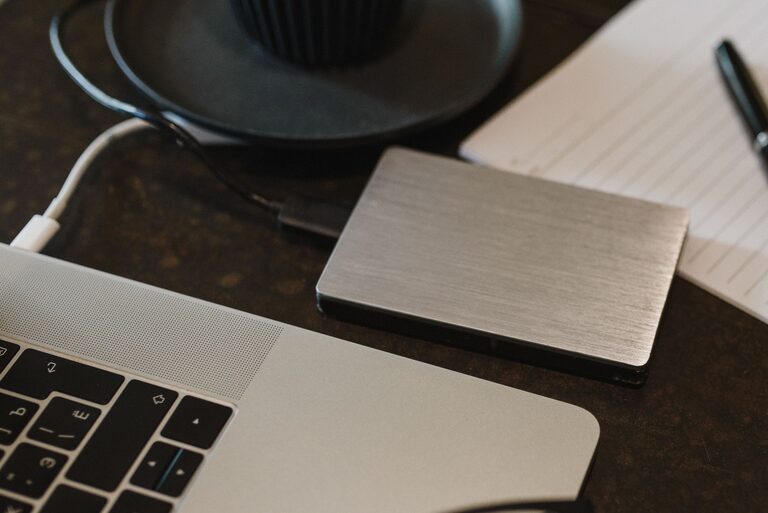
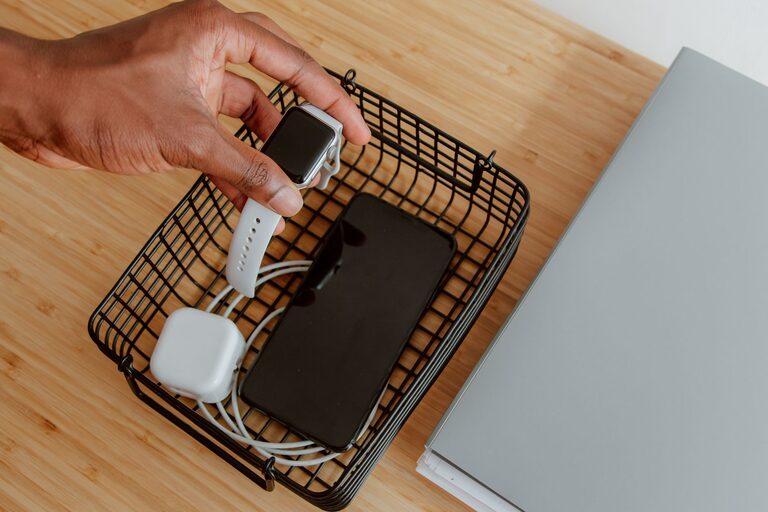
Setting up a dedicated charging station for your devices can simplify your daily routine and reduce clutter in your home. Whether you have smartphones, tablets, laptops, or wireless earbuds, a well-planned charging area keeps everything organized and ensures your devices are always ready when you need them. This guide will walk you through the key steps to create a charging station that suits your needs.
Why Set Up a Charging Station?
In today’s digital world, it’s common for households to have multiple devices that need frequent charging. Having cables and chargers scattered around not only creates clutter but also increases the chance of losing or damaging equipment. A charging station provides:
– A central location for all your devices
– Better cable and power management
– Increased safety by reducing tangled wires
– A tidy and visually appealing space
Choosing the Right Location
Start by picking the best spot for your charging station. Consider these factors:
– Accessibility: Choose a place that is easy to access for everyone in the household, such as a living room corner, kitchen countertop, or office desk.
– Power outlets: Ensure there are enough electrical outlets nearby to support multiple chargers. If outlets are limited, consider using a power strip with surge protection.
– Surface space: Opt for a flat, uncluttered surface like a small table, shelf, or drawer organizer to place your charging equipment.
Gathering Necessary Supplies
To set up your charging station, gather the following:
– Multi-port USB charger or power strip
– Device charging cables (USB-C, Lightning, micro-USB, etc.)
– Cable organizers (clips, ties, or sleeves)
– Device stands or holders (optional)
– Label tags (optional)
– Small containers or trays for accessories like earbuds, chargers, or memory cards
Step-by-Step Setup Guide
1. Declutter and Sort Devices
Start by collecting all your devices and charging accessories. Sort them by type and frequency of use. This helps you decide how many ports and cables you’ll need.
2. Select the Charging Hardware
Instead of using multiple individual chargers, opt for a multi-port USB charger. These devices provide several USB ports in one compact unit, reducing outlet usage and improving convenience. Many models also support fast charging, which can be a real time-saver.
3. Organize the Cables
Cables often create the biggest mess. Use cable organizers such as clips or ties to bundle cables neatly. You can also consider cable sleeves that group multiple cords together for a cleaner look.
4. Arrange Device Holders
Using stands or holders keeps your devices upright and visible while charging. This prevents them from sliding around and makes it easier to use devices during charging if needed.
5. Manage Power Connections
Plug your multi-port charger or power strip into the wall outlet. Arrange the cables so they are separated and not crossing unnecessarily. Ensure the setup is safe and not overloaded.
6. Add Labels and Extras
For more organization, label the cables or charging ports, especially if multiple people share the station. Small containers or trays can store accessories like earbuds, adapters, or memory cards to avoid losing them.
Tips for Maintaining Your Charging Station
– Regularly check cables for damage and replace them if worn out.
– Keep the station clean by wiping surfaces and removing dust buildup.
– Unplug chargers when not in use to save energy.
– Update charging devices if your devices change to maintain compatibility.
– Encourage family members to unplug and return devices to the station when finished.
Additional Features to Consider
If you want to enhance your charging station, here are some extra ideas:
– Wireless charging pads: Perfect for compatible smartphones and earbuds, reducing cable clutter further.
– Smart plugs: Control charging times with a smart plug to avoid overcharging.
– USB-C hubs: Useful if you need to connect devices to a computer alongside charging.
– Decorative elements: Adding a small plant or decorative box can make your station more visually appealing.
Summary
Creating a charging station is a simple and effective way to keep your devices organised and charged. By choosing a suitable location, investing in multi-port chargers, managing cables carefully, and maintaining the setup regularly, you can reduce clutter and improve your home organization. Plus, this setup helps extend the life of your devices by ensuring safe, consistent charging.
Invest a little time and effort into setting up your charging station and enjoy a more streamlined tech experience at home!
About the Author